
Finally, a modern inventory system
Reduce stockouts, speed up operations, optimize routes, and gain real-time visibility with NoveTap’s warehouse management solution.
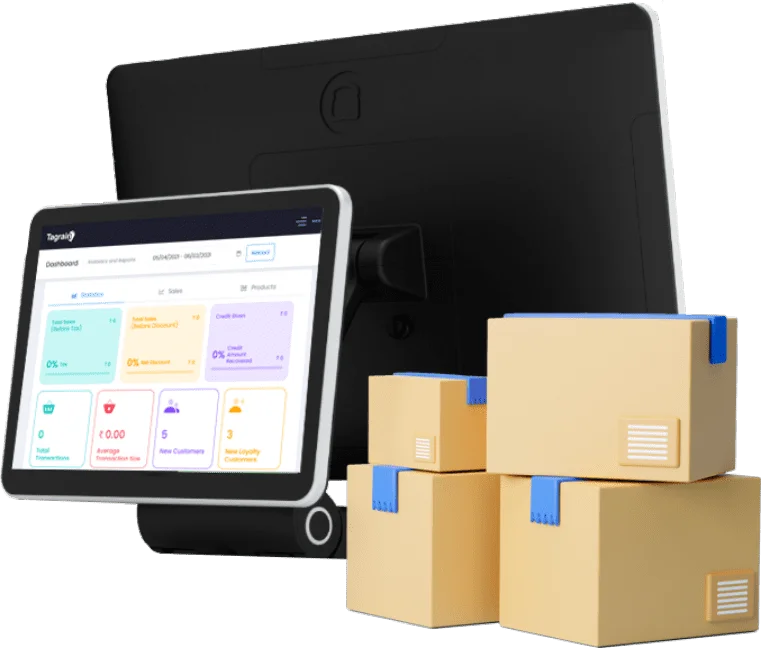
Organize product movement in the warehouse, speed up processes to optimize routes, and get a complete view of stock quantities.
Operations
- Smart inventory replenishment strategies
- Make-to-order production rules
- Production scheduling
- Purchase order suggestions
- Supplier tracking
- Purchase order receipt notifications
Capabilities
- Manage incoming and outgoing shipments
- Flexible putaway and removal strategies
- Barcode integration
- Route optimization and customization
- Integration with shipping carriers
Speed
- Real-time inventory management across all locations
- Reduce product handling movements
- Combine operations across multiple shipments
- Optimize purchasing with route planning
- Supplier performance tracking
Tracking
- Smart inventory replenishment strategies
- Make-to-order production rules
- Production scheduling
- Purchase order suggestions
- Supplier tracking
- Purchase order receipt notifications
Order new stock right from your inventory tracking system.
Running low? Order new stock directly from NoveTap Retail.
Storage
- Create and manage storage locations such as shelves, cold rooms, racks, and platforms
- Automatically route products to optimized storage locations based on capacity and availability
- Set up dedicated zones for receiving, sorting, packing, and internal warehouse operations
- Define putaway and removal strategies to simplify product access and improve efficiency
Operations
- Access a unified dashboard for orders, purchasing, quality, packaging, and receiving
- Identify required tasks and resources to ensure smooth and continuous operations
- Automatically route products to the most efficient storage locations based on real-time capacity
- Create dedicated workflows for receiving, sorting, and handling inventory processes
- Optimize product movement with smart routing and handling strategies
Advanced Routing
User Interface
A simple and intuitive interface with advanced filtering options, providing a clear overview of all sales activities.
Mobile Access
Fully integrated mobile experience that allows you to manage operations and customers from anywhere.
Customer Segmentation
Automatically categorize customers based on their behavior and transactions—for example, segmenting online customers separately.
Ease of Use
Manage workflows effortlessly with just a few steps and send customers what they need quickly.
Activity Planning
Schedule tasks efficiently with a smart planning system, ensuring smooth transitions between activities.
Manufacturing
Expense Records
Review employee notes for expense completion, approve or reject them, and add comments for better decision tracking.
Expense & Receipt Matching
Automatically generate draft invoices from sales orders, subscriptions, or delivery orders.
Accounting Integration
Create automatic accounting entries directly from customer and vendor invoices.
Sales & Credit Limits
Trigger alerts when customers exceed their credit limits during sales or invoicing.
Multi-Currency Support
Work with multiple currencies using automatically updated exchange rates.
Journal Entries
Manage daily accounting entries efficiently with full accuracy and control.
Quantities
Online Payments
Enable customers to pay online using various payment methods.
Customer Accounts
Allow customers to view, download, and pay their invoices online, track order status, and communicate easily.
Invoice Digitization
Automatically scan and convert invoices (PDF or images) into system-ready data.
Automated Follow-Ups
Ensure timely payments with automated email reminders, SMS notifications, and scheduled follow-ups.
Mobile Payments
Allow customers to easily pay invoices via QR codes using their mobile phones.
Tracking
User Interface
A simple interface with advanced filtering options for complete visibility into operations.
Mobile Access
Manage operations and customer interactions seamlessly across mobile devices.
Customer Segmentation
Automatically group customers based on transaction behavior.
Ease of Use
Streamline workflows and simplify customer interactions.
Activity Planning
Plan and schedule tasks efficiently for better productivity.
Products
Expense Records
Review and manage expense-related data with approval workflows and notes.
Expense & Receipt Matching
Automatically generate invoices from related operations such as sales and deliveries.
Accounting Integration
Link financial operations directly with accounting for accurate records.
Sales & Credit Limits
Monitor customer credit limits and trigger alerts when exceeded.
Multi-Currency Support
Handle transactions across multiple currencies with real-time rates.
Journal Entries
Track and manage accounting entries daily with precision.
Inventory Valuation
Online Payments
Provide flexible online payment options for customers.
Customer Accounts
Enable customers to access and manage their invoices and payments online.
Invoice Digitization
Automatically process invoices from uploaded files (PDF/images).
Automated Follow-Ups
Send reminders and notifications to ensure timely collections.
Mobile Payments
Support QR code payments for faster and easier transactions via mobile devices.